Finding The Best Wireless Routers Under $100
Don’t let anyone tell you great Wi-Fi has to cost a fortune. It doesn’t. You can absolutely get a solid wireless router for under $100—you just need to know what to look for and what to avoid. That’s what this guide is all about.
We’ll break down the key things you should care about (and ignore), explain what all those confusing numbers on the box really mean, and show you some real examples of routers under $100 that are worth your money. No fluff, no hype—just WiFi Guy Speak.
Step 1: Define Your Needs
Before you even look at a router, ask yourself:
- How much speed do I actually need?
- How big is my coverage area (apartment, small house, larger home)?
- How many devices will connect at once?
- Do I need it for basic browsing and streaming, or heavier stuff like gaming and 4K video?
If you’ve got 1–2 people just checking email and streaming Netflix, you’ll be fine with a budget dual-band router. If you’ve got a house full of devices and gamers, look for Wi-Fi 6 models with stronger processors.

Step 2: Check Your Internet First
Your router is only as good as the internet feeding it. If your ISP tops out at 100 Mbps, even the fanciest router isn’t going to magically give you gigabit speeds. On the flip side, if you’ve got fiber or super-fast cable internet, a cheap, outdated router can turn into a bottleneck.
Bottom line: match your router to both your internet plan and your household’s usage.
Step 3: Compare Features (What Actually Matters)
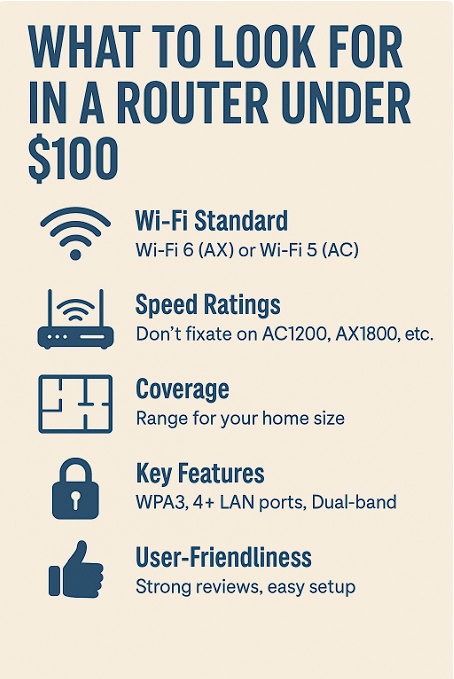
Here’s what you should look for when shopping under $100:
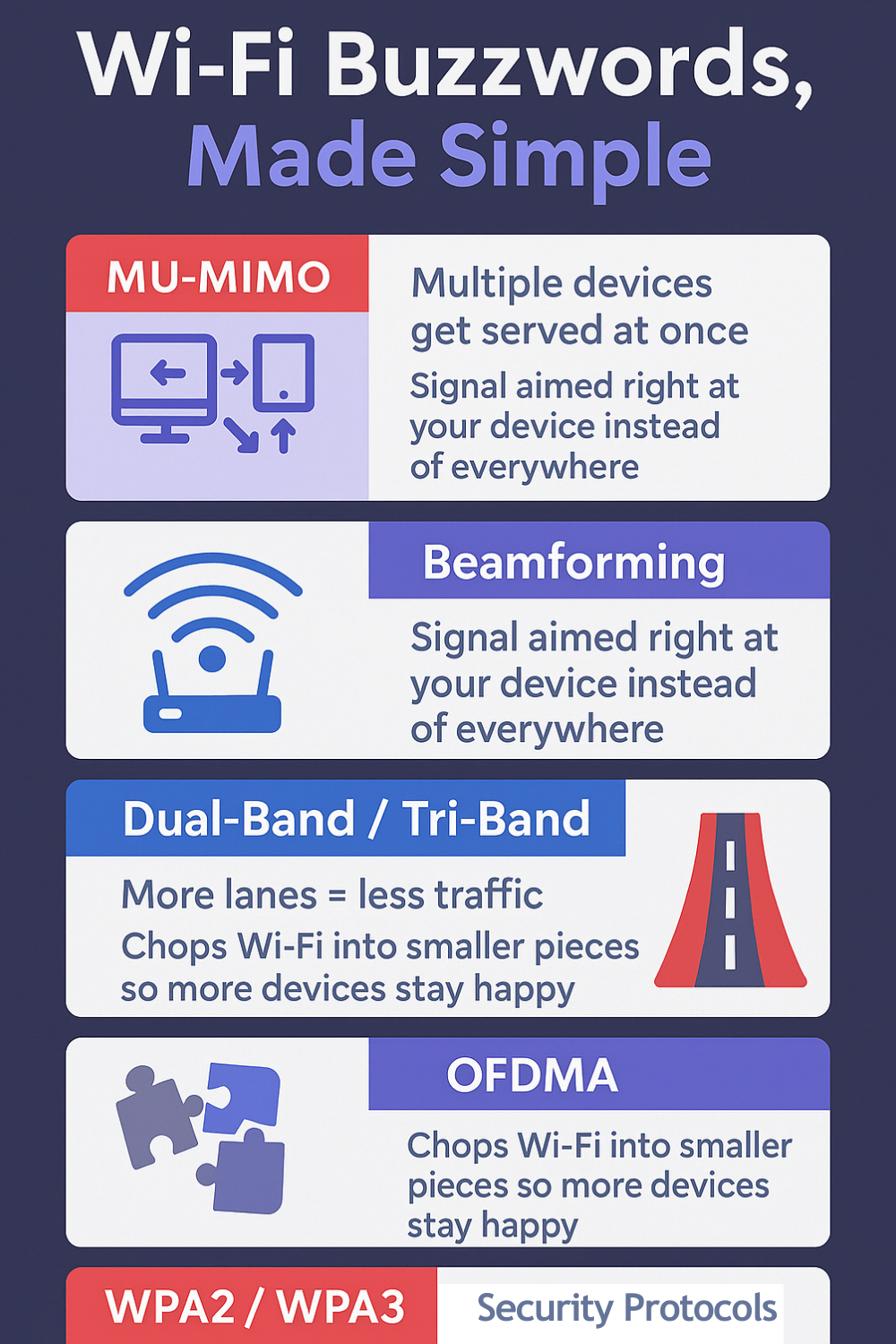
- Wi-Fi Standard: Get Wi-Fi 6 (AX) if possible. Wi-Fi 5 (AC) is okay for basics, but Wi-Fi 6 handles more devices better.
- Speed Ratings (Mbps): Don’t obsess over big numbers like “AX1800” or “AC1900.” They’re marketing shorthand. What matters is that your router supports the latest standards and dual-band.
- Range: A single router will cover an apartment or small home, but if you’ve got dead zones, consider mesh Wi-Fi or extenders.
- Security: WPA3 is ideal, WPA2 is minimum. Built-in firewalls are standard.
- Ports: Four Ethernet ports is common—handy for PCs, TVs, or game consoles. A USB port is a nice bonus for printers or storage.
Step 4: Updated Examples of Routers Under $100
Here are some current picks (2025) that hit the sweet spot:
- TP-Link Archer AX21 (Wi-Fi 6)
Dual-band, AX1800 speeds, MU-MIMO, and Beamforming for stronger connections. Great budget-friendly pick for small families or gamers on a budget. - NETGEAR R6700AX (Wi-Fi 6)
Easy to set up, solid coverage, and supports WPA3. A workhorse router that handles streaming and work-from-home setups without hiccups. - TP-Link Archer A8 (Wi-Fi 5)
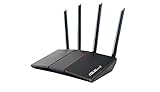
If you don’t need Wi-Fi 6, this AC1900 router is cheaper but still strong for everyday streaming and browsing. - ASUS RT-AX55 (Wi-Fi 6)
Another budget-friendly Wi-Fi 6 router with parental controls, MU-MIMO, and solid range for the price.


Step 5: What Do Those Numbers Mean Anyway?
Here’s the truth manufacturers don’t shout about:
When you see “AX1800” or “AC1900,” those aren’t actual speeds. They’re totals across multiple bands. For example:
- AC1900 = 600 Mbps (2.4GHz) + 1300 Mbps (5GHz).
- AX1800 = 574 Mbps (2.4GHz) + 1201 Mbps (5GHz).
No single device ever gets that full number. Most phones, laptops, or TVs only connect to one band and often one stream at a time. That’s why you’ll rarely see your real-world speeds match the box.
What those numbers do tell you is capacity—more bands and streams mean more devices can share the connection without slowing each other down.
Step 6: Don’t Pay for What You Don’t Need
It’s tempting to think a $300 router is automatically “better.” Sometimes it is—but only if you truly need the extra features. For small homes, apartments, or budget-conscious buyers, a $60–$90 router can easily get the job done.
Spend your money on what you actually use: if you’re not running 30 devices at once, you probably don’t need tri-band Wi-Fi 7. A solid Wi-Fi 6 router under $100 is more than enough for most households today.
WiFi Guy’s Take
The Wi-Fi world loves to dazzle you with big numbers and spaceship-looking gear, but under $100, you can still find great routers that deliver speed, coverage, and stability. The trick is to match the router to your actual life: how fast your internet is, how big your space is, and how many gadgets you’re running.
Don’t let the marketing noise fool you—sometimes the best router is the simple, budget-friendly one that just works.
More Wi-Fi 🧠Brianiac Tips
Routers With High-End Security And Easy VLAN Support

These Wi-Fi 7 Mesh Bullies Crush Dead Zones

Start Your Smart Home Off Right With These 3 Top Smart Hubs
Find Your Perfect VPN Wireless Router — Easy Picks

Serious Security For Your Home Network

Wi-Fi Extender Face-Off: TP-Link RE600X vs Netgear EAX15

NETGEAR Orbi WiFi 7 970 vs TP-Link Deco BE85: Wi-Fi 7 Showdown!

TP-Link Deco X55 vs Amazon eero 6: Head-to-Head Comparison

TP-Link Deco XE75 vs. Amazon eero Pro 6E: Mesh Wi-Fi Comparison
Home Network Engineer Course
✅ You’ll Be Able To:
- Fix Wi-Fi and device problems fast – Know what’s wrong and how to handle it
- Speed up your connection – Boost coverage, kill lag, and reduce dropouts
- Lock it down – Protect your network from freeloaders and shady devices
- Upgrade with confidence – Know what gear to get (and what to skip)
- Stop second-guessing yourself – Never be scared of a blinking router again

Last update on 2026-01-18 at 16:07 Affiliate links and Images from Amazon Product Advertising API